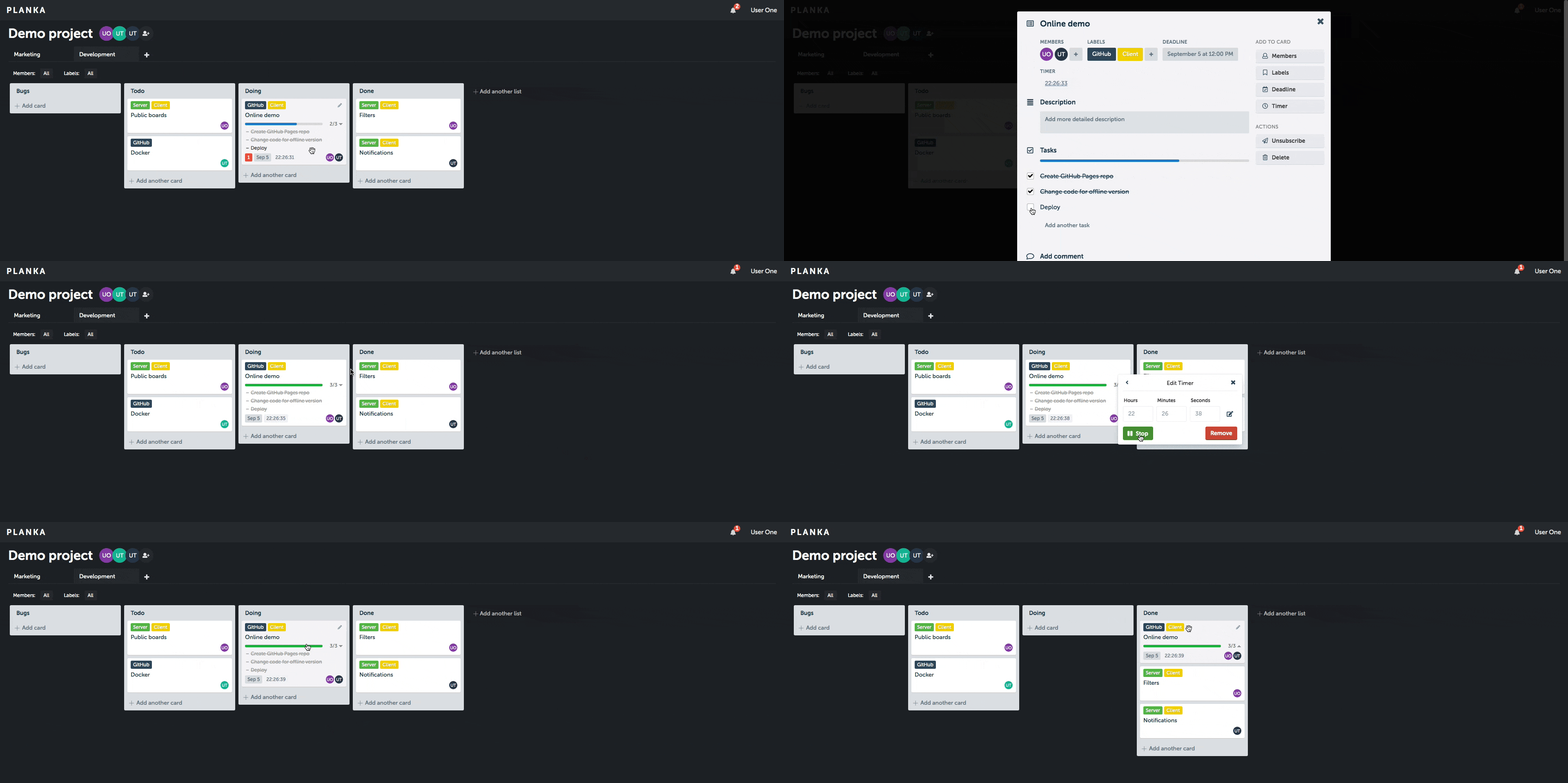
Planka is a powerful, project management platform that transforms how teams collaborate. Create projects with multiple boards, organize tasks with intuitive drag-and-drop cards, attach files, write rich markdown descriptions, set due dates, assign team members, and keep conversations flowing with comments and labels—all with seamless real-time updates and smart notifications.
To create a new Proxmox VE PLANKA LXC, run the command below in the Proxmox VE Shell.
To Update PLANKA, run the command below (or type update) in the LXC Console.
bash -c "$(curl -fsSL https://raw.githubusercontent.com/community-scripts/ProxmoxVE/main/ct/planka.sh)"
- Location of config file
/opt/planka/planka/.env - Type
cat ~/planka.credsinside LXC to see admin user and database credentials. - Documentation
Default settings
- CPU: 1vCPU
- RAM: 1GB
- HDD: 4GB
- Default Interface:
IP:1337