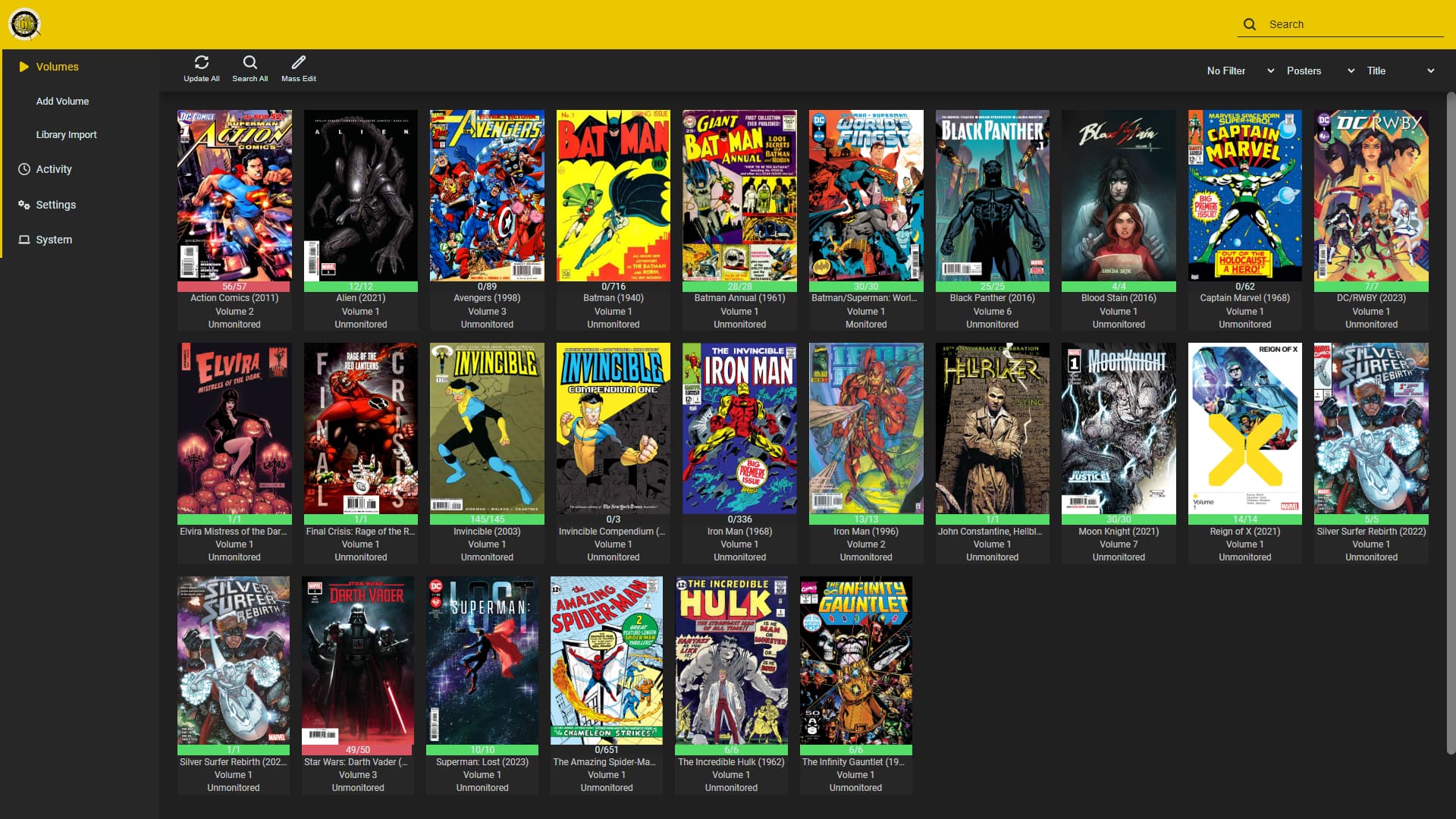
Kapowarr allows you to build a digital library of comics. You can add volumes, map them to a folder and start managing! Download, rename, move and convert issues of the volume (including TPB’s, One Shots, Hard Covers, and more). The whole process is automated and can be customised in the settings.
To create a new Proxmox VE Kapowarr LXC, run the command below in the Proxmox VE Shell.
To Update Kapowarr, run the command below (or type update) in the LXC Console.
bash -c "$(curl -fsSL https://raw.githubusercontent.com/community-scripts/ProxmoxVE/main/ct/kapowarr.sh)"
Default settings
- CPU: 1vCPU
- RAM: 256MB
- HDD: 2GB
- Default Interface:
IP:5656