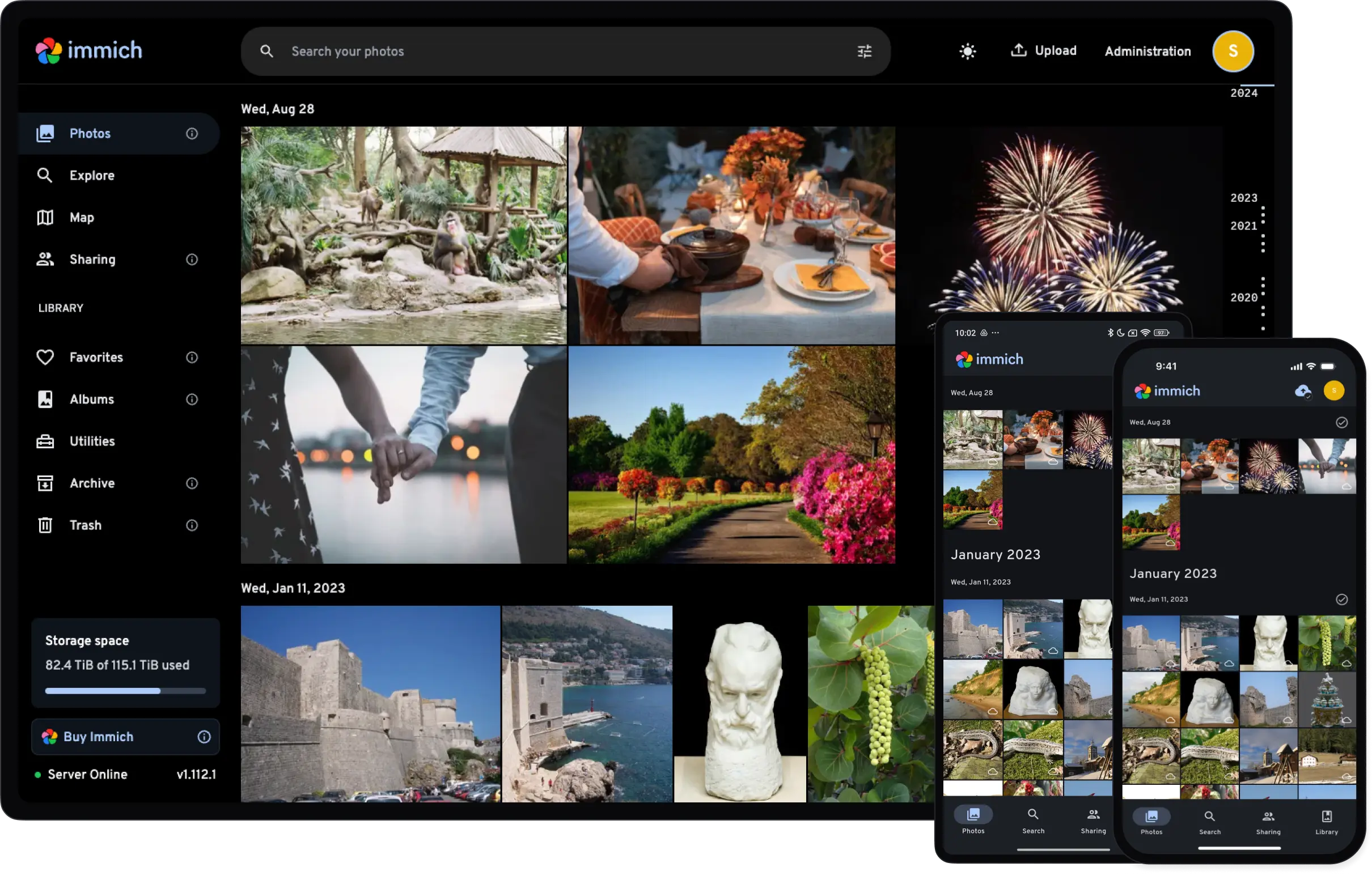
Immich is a high performance self-hosted photo and video management solution.
To create a new Proxmox VE Immich LXC, run the command below in the Proxmox VE Shell.
To Update Immich, run the command below (or type update) in the LXC Console.
bash -c "$(curl -fsSL https://raw.githubusercontent.com/community-scripts/ProxmoxVE/main/ct/immich.sh)"
-
Be aware that Immich releases are pinned to specific versions until compatibility has been confirmed; as a result, the version installed by this script may not be the most current version of Immich
-
During installation, you will be prompted with the option to install Intel OpenVINO for hardware-accelerated machine-learning. If you opt in, increase your LXC RAM after installation, as OpenVINO is memory-intensive
-
HW-accelerated video transcoding is supported, but must be enabled in Immich Settings
-
To change upload location, edit ‘IMMICH_MEDIA_LOCATION’ in
/opt/immich/.env, and create the symlink ‘upload’ in/opt/immich/app & /opt/immich/app/machine-learningto your new upload location -
Logs:
/var/log/immich -
Location of config file
/opt/immich/.env
Default settings
- CPU: 4vCPU
- RAM: 4GB
- HDD: 20GB
- Default Interface:
IP:2283 - Documentation