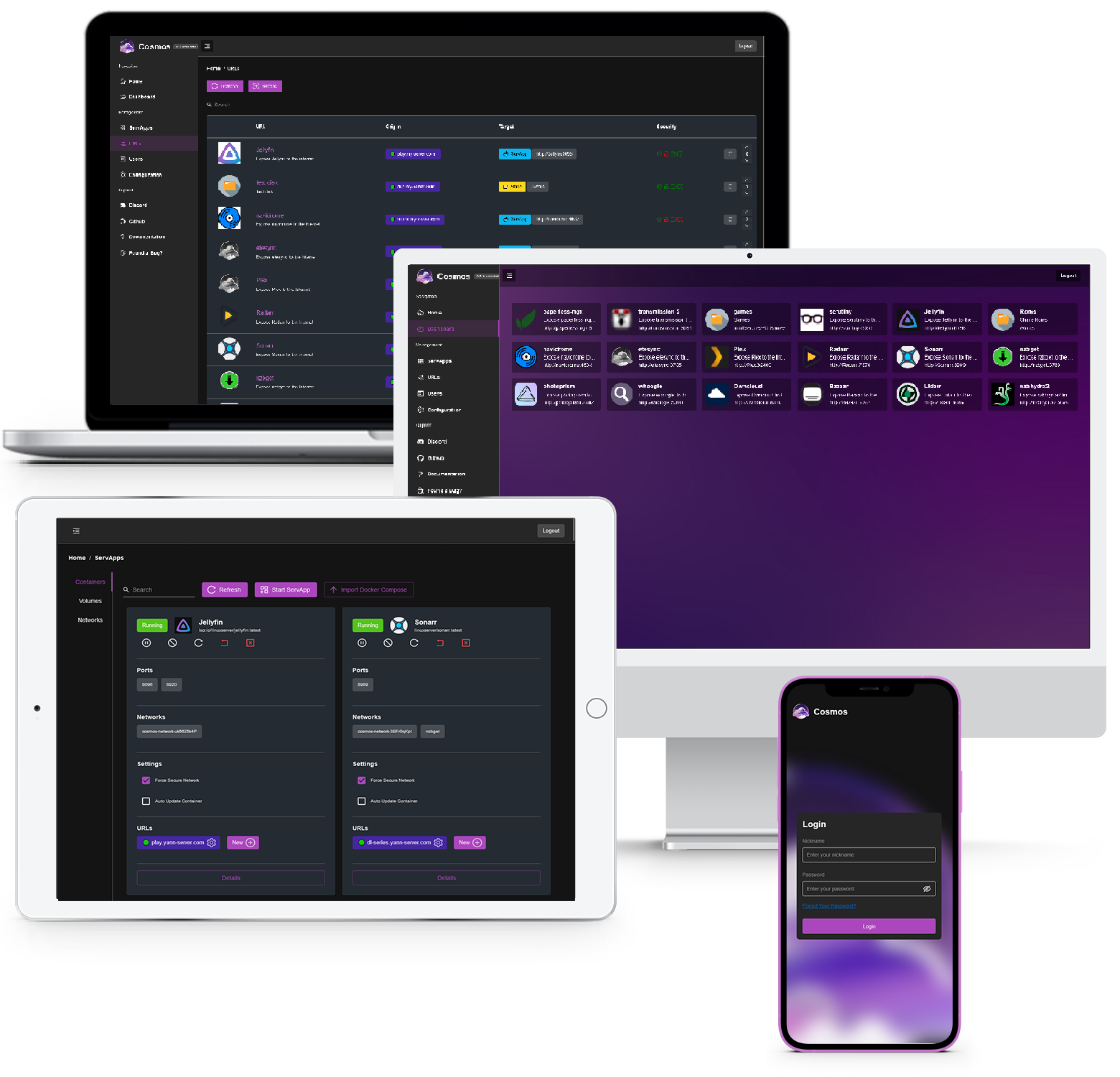
Cosmos Cloud is a self-hosting platform that automates maintenance and security. It offers an app marketplace, reverse proxy management, container control, VPN integration, real-time monitoring, and disk management. Security features include SSO, anti-DDoS, and encryption. It simplifies self-hosting for all users.
To create a new Proxmox VE Cosmos LXC, run the command below in the Proxmox VE Shell.
To Update Cosmos, run the command below (or type update) in the LXC Console.
bash -c "$(wget -qLO - https://github.com/community-scripts/ProxmoxVE/raw/main/ct/cosmos.sh)"
Default settings
CPU: 2vCPU
RAM: 2GB
HDD: 8GB
Default Interface: IP:80