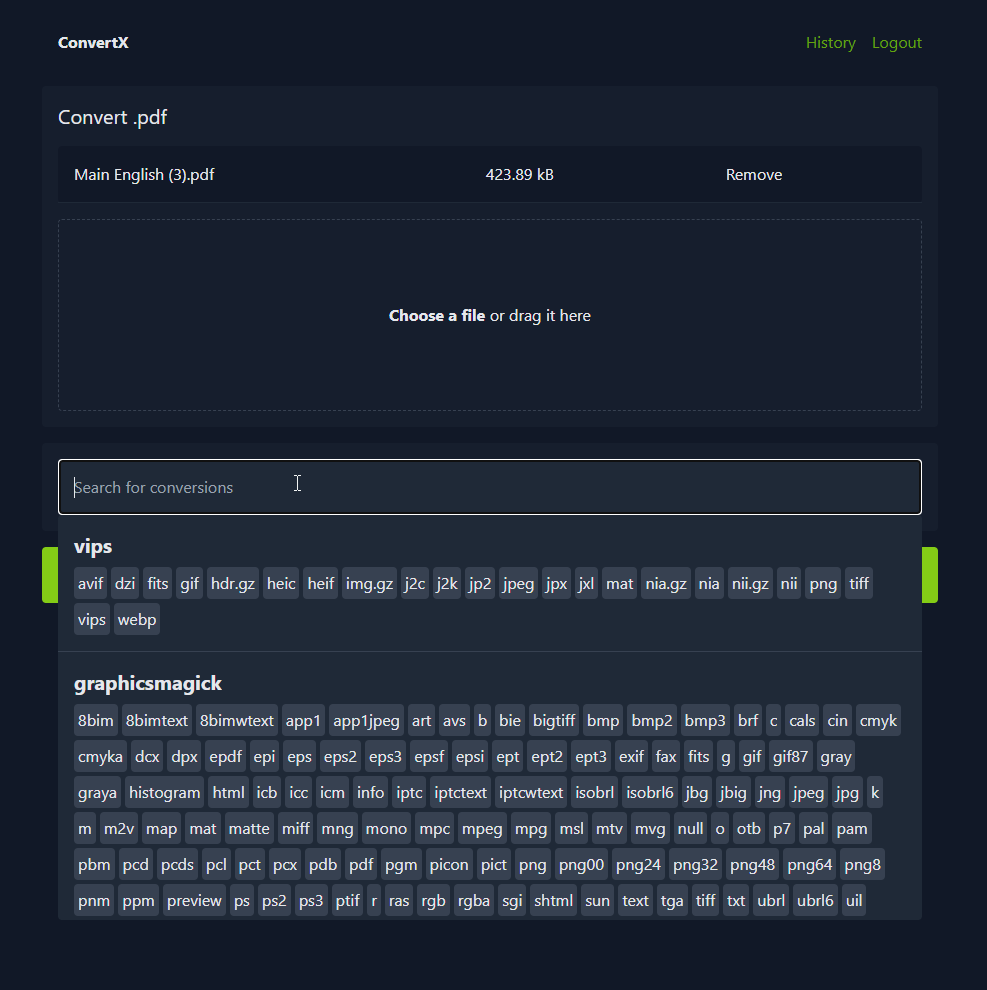
ConvertX is a self-hosted online file converter supporting over 1000 formats, including images, audio, video, documents, and more, powered by FFmpeg, GraphicsMagick, and other libraries.
To create a new Proxmox VE ConvertX LXC, run the command below in the Proxmox VE Shell.
To Update ConvertX, run the command below (or type update) in the LXC Console.
bash -c "$(curl -fsSL https://raw.githubusercontent.com/community-scripts/ProxmoxVE/main/ct/convertx.sh)"
Complete setup via the web interface at http://<container-ip>:3000. Create and secure the admin account immediately.
Location of config file
/opt/convertx/.env
Default settings
- CPU: 2vCPU
- RAM: 4GB
- HDD: 20GB
- Default Interface:
IP:3000