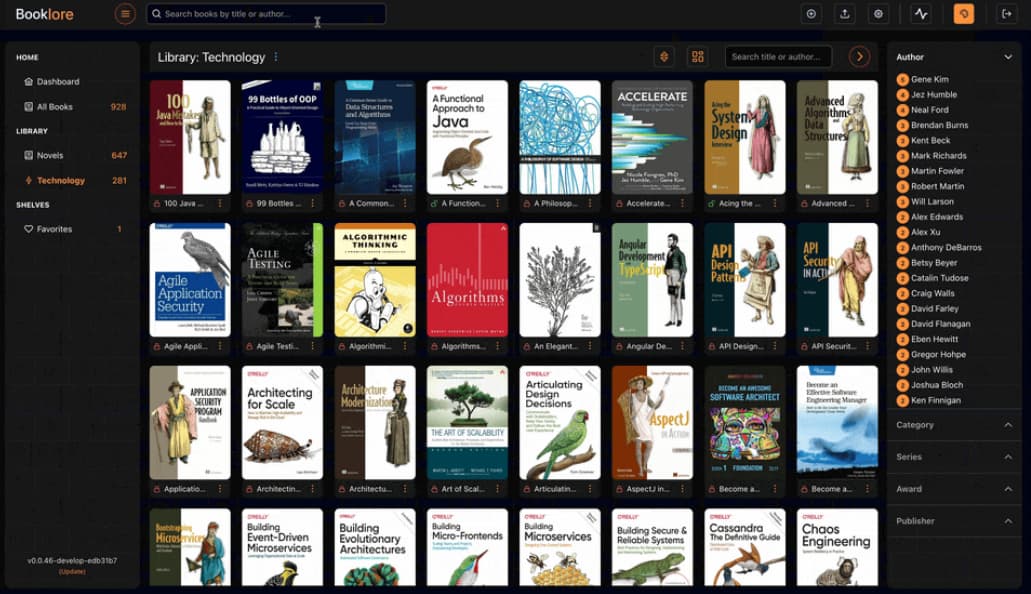
BookLore is a self-hosted digital library for managing and reading books, offering a beautiful interface and support for metadata management. Built with a modern tech stack, it provides support for importing, organizing, and reading EPUBs and PDFs, while also managing cover images and book metadata.
To create a new Proxmox VE BookLore LXC, run the command below in the Proxmox VE Shell.
To Update BookLore, run the command below (or type update) in the LXC Console.
bash -c "$(curl -fsSL https://raw.githubusercontent.com/community-scripts/ProxmoxVE/main/ct/booklore.sh)"
Starting Booklore (Web UI) may take up to 2 minutes after a restart or fresh installation.
Location of config file
/opt/booklore_storage/.env
Default settings
- CPU: 3vCPU
- RAM: 3GB
- HDD: 7GB
- Default Interface:
IP:6060